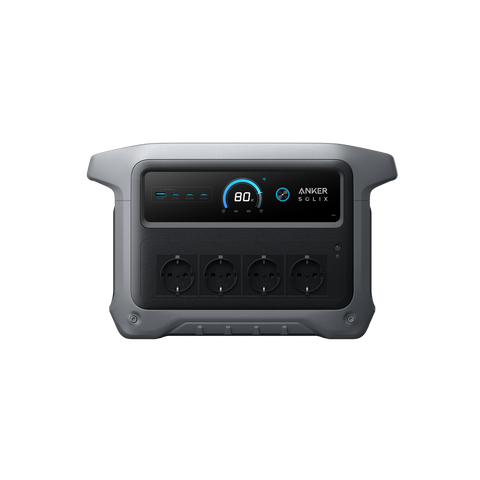
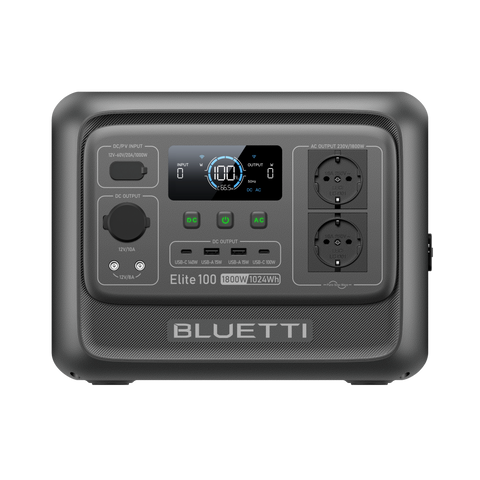
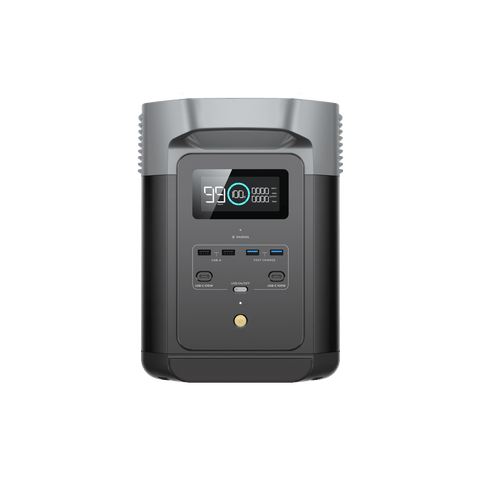
No solar
11.7 hUntil first interruption- Conservative
- 8.5 h
- Battery at target
- 10%
Falls short of the target
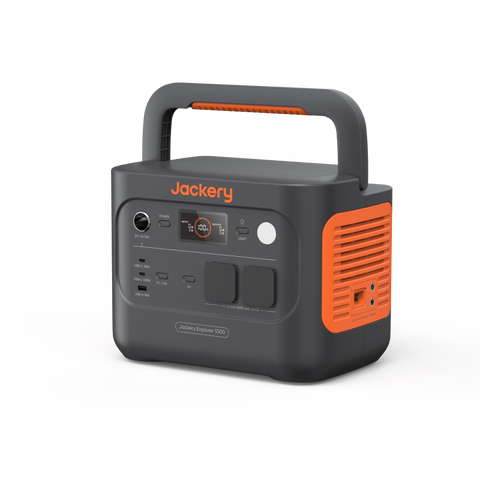 LiFePO₄ · 4,000 cycles
How long does it last? Battery-only estimates from the same 15-minute simulation as our planner (full battery, 10% reserve, no solar):
Recorded price · 2026-09-29
Each row uses one device continuously, a full battery, 10% reserve, 85% AC efficiency and 8 W of inverter consumption. No solar or expansion battery is included.
| Device and assumed load | Estimated runtime | Consumption scenarios |
|---|---|---|
| Wi-Fi router10 W average | 48.7 h | 42.4 h – 55.3 h |
| Laptop45 W average | 15.8 h | 13 h – 19.1 h |
| Television80 W average | 9.4 h | 7.7 h – 11.6 h |
| Refrigerator30 W average · 120 W when running · 900 W startup assumption | 22.2 h | 18.5 h – 26.6 h |
| Freezer45 W average · 150 W when running · 1000 W startup assumption | 15.8 h | 13 h – 19.1 h |
These are editable planning examples, not measured product tests. The range uses 25% higher and 20% lower device consumption; it is not a guarantee. The refrigerator assumes a 25% duty cycle and the freezer 30%. Check your actual wattage and motor startup. The model stops at 168 hours.
Calculation method and limitationsRegional mains voltage requires the corresponding regional product. Solar voltage/current limits can apply per port; check the exact manual. Modelled DC/USB budgets are conservative planning bounds, not a full protocol compatibility test.
Pick what you need to keep running, set the hours and add solar if you have it. The station stays selected; switch it any time to compare.
The essentials for a quick backup plan.
Starting values are editable. Adjust watts, daily hours and quantities in your list.
Your plan runs on stored battery energy only.
Scenario range: 8.5–15.5 h, with −20% / +25% device draw. 168+ means no interruption within the seven-day simulation.
Jackery Explorer 1000 v2 · 24 h target · 400 W solar configuration
Falls short of the target
Covers the conservative case
Typical case only
Solar columns are comparison scenarios. Turn on solar charging to include generation in your main plan.
Same devices, battery, starting charge and schedule. Cloudy uses 50% of the local monthly solar profile. Historical or estimated local profile; not a forecast. 168+ is the simulation limit.
Prices change often: confirm the final price, delivery and taxes in the store.
Only critical or important devices are selected. Add solar or a larger battery to extend this plan.
Suggestions preserve critical loads and do not change medical device settings.
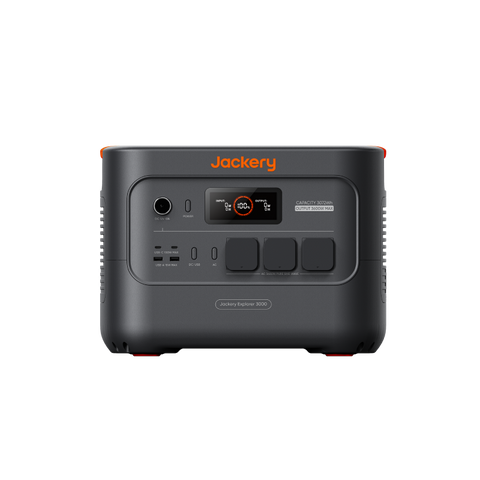
Categories use the conservative runtime estimate and known item subtotals. Known cable and accessory costs are included; unpriced items remain pending. If an option wins more than one category, its labels are combined.
Save your scenario, share a link or print your backup checklist.
Capacity alone does not establish compatibility: compare output limits, weight and your devices in each planner.