No solar
38.7 hUntil first interruption- Conservative
- 30.2 h
- Battery at target
- 47%
Covers the conservative case
Pick your appliances and see, hour by hour, how long a portable power station keeps them running — with or without solar — and which model fits your budget.
The essentials for a quick backup plan.
Starting values are editable. Adjust watts, daily hours and quantities in your list.
Your plan runs on stored battery energy only.
Station weight limit: 30 kg. Other preferences remain active.
Scenario range: 30.2–49.2 h, with −20% / +25% device draw. 168+ means no interruption within the seven-day simulation.
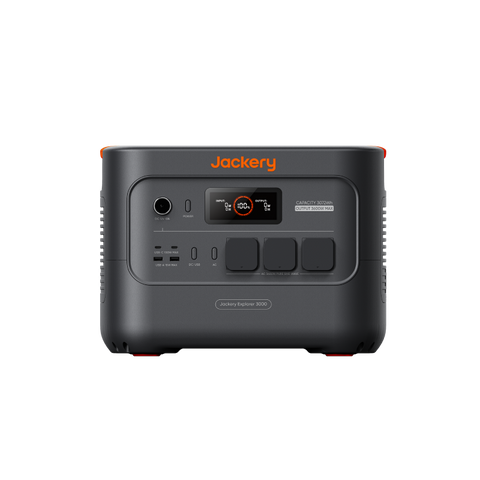
Jackery Explorer 3000 v2 · 24 h target · 400 W solar configuration
Covers the conservative case
Covers the conservative case
Covers the conservative case
Solar columns are comparison scenarios. Turn on solar charging to include generation in your main plan.
Same devices, battery, starting charge and schedule. Cloudy uses 50% of the local monthly solar profile. Historical or estimated local profile; not a forecast. 168+ is the simulation limit.
Prices change often: confirm the final price, delivery and taxes in the store.
Only critical or important devices are selected. Add solar or a larger battery to extend this plan.
Suggestions preserve critical loads and do not change medical device settings.
Categories use the conservative runtime estimate and known item subtotals. Known cable and accessory costs are included; unpriced items remain pending. If an option wins more than one category, its labels are combined.
Save your scenario, share a link or print your backup checklist.
Keep food cold through an outage. Size for the compressor start, its cycling load and the hours you need covered.
See runtimesEstimate overnight electrical autonomy using your exact device, approved adapter and normal therapy settings.
See runtimesPlan reliable internet for remote work, camping and outages. Choose Mini or Standard before sizing the battery.
See runtimesCheck compressor startup, daily cycling consumption and storage conditions before choosing backup capacity.
See runtimesKeep your router powered with less overhead. Check whether a matched DC adapter avoids unnecessary AC losses.
See runtimesBalance capacity, solar charging and carry weight around the devices you actually pack.
See runtimesSize a portable plug-in setup for everyday appliances, without treating it as a permanent vehicle electrical installation.
See runtimesKeep your laptop, monitor and connectivity running for the workday, with a plan for evening recharge.
See runtimes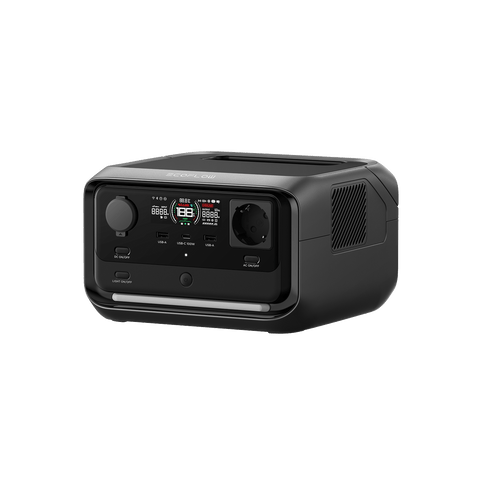 EcoFlowRIVER 3 Plus286 Wh · 4.7 kgFridge ≈5.9 h299 €Recorded EU price ·
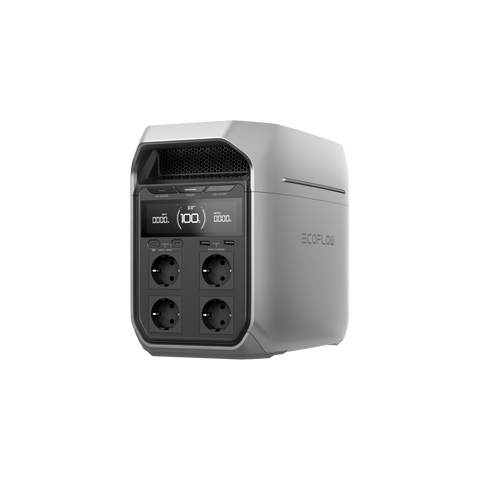 EcoFlowDELTA 31,024 Wh · 12.5 kgFridge ≈21.3 h749 €Recorded EU price ·
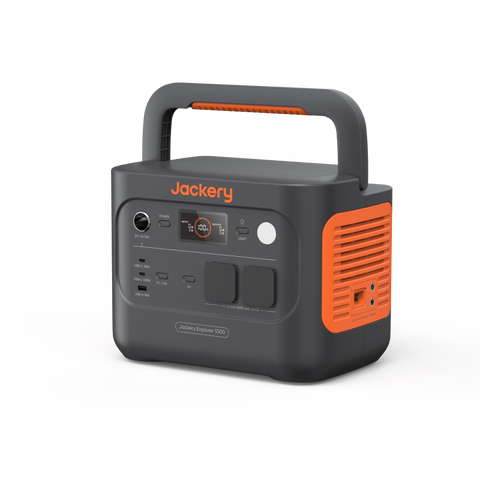 JackeryExplorer 1000 v21,070 Wh · 10.8 kgFridge ≈22.2 h549 €Recorded EU price ·
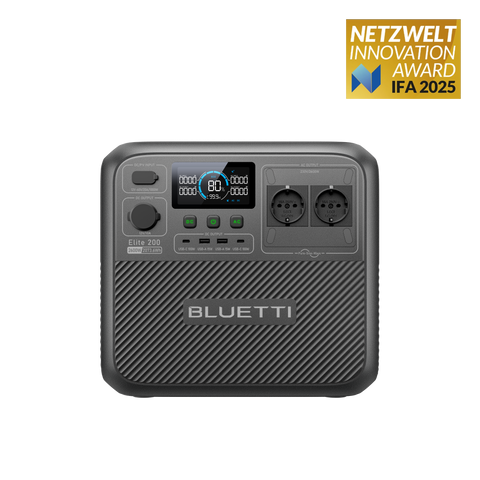 BLUETTIElite 200 V22,073.6 Wh · 24.2 kg899 €Recorded EU price ·
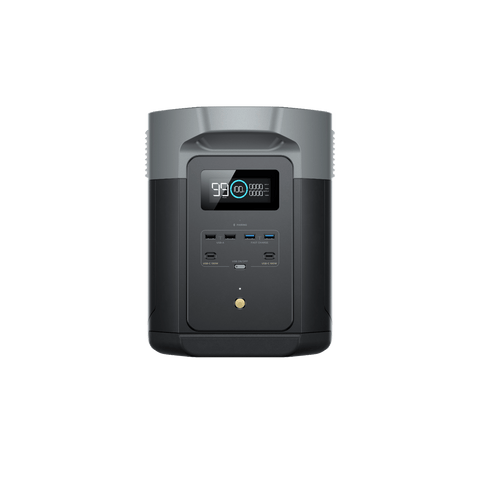 EcoFlowDELTA 2 Max2,048 Wh · 23 kgFridge ≈42.6 h949 €Recorded EU price ·
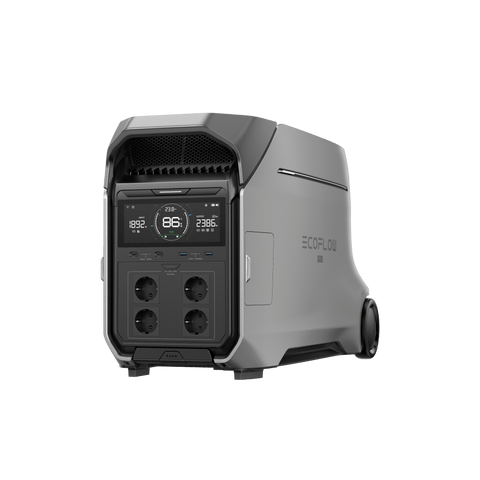 EcoFlowDELTA Pro 34,096 Wh · 51.5 kgFridge ≈85.1 h3299 €Recorded EU price ·
Choose a Home or Camping profile, then check each device’s watts, hours and quantity. Generic loads are editable estimates. Advanced mode lets you adjust schedules, connections and reserve.
The main number is the typical case. For a margin, also check conservative runtime, which increases device draw by 25%. Neither number is a guarantee: measure and test your setup.
No interruption occurred in the seven-day simulation under those assumptions. It does not mean unlimited runtime; several dark days or higher draw can change the outcome.
The budget lists the station, expansion, panels and connections when needed. Unpriced parts stay pending. Confirm the total, delivery, taxes and electrical compatibility at the store before buying.